To obtain a license contact Support or use the web licensing form, or contact your license administrator. Provide the required information to submit a license request. Once the request is verified, you will receive a license key. Ensure that you keep a note of the license key. To use erwin Data Intelligence (erwin DI) and erwin DI Cloud using this license key, you first need to activate the license key.
Ensure that erwin DI is deployed and the server is up and running.
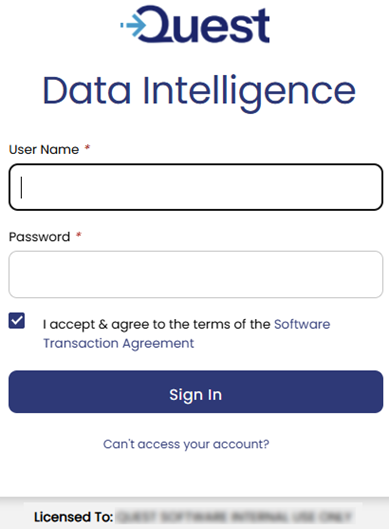
When you first open erwin DI, the erwin DI log in page appears.

To activate a license, follow these steps:
- On the erwin DI log in page, click Activate Software.
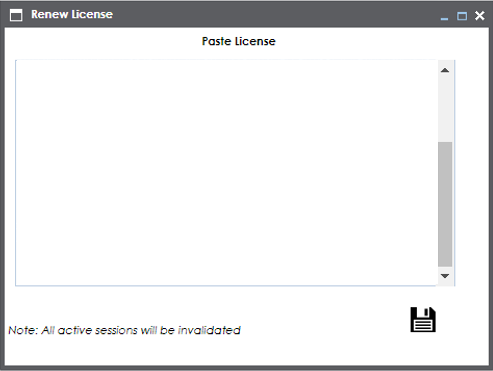
- In the space provided, copy and paste the license key that you received from erwin Support or your license administrator.
- Click
 .
.
The Renew License page appears.
On successful activation of the license, you can see the name of the named user that is licensed to.